SOURCE PREVIEW
Playlist found
18 entries from one supported link.
4 selected
HalalDL is a free yt-dlp GUI for Windows. Preview a link, choose the files and format, then download directly on your PC.
Playlist found
18 entries from one supported link.
Source-dependent quality
Keep the preset local
Local Control Room
v0.6.1 · preview, choose, keepHalalDL v0.6.1 keeps the visible local workflow and tightens its privacy and security boundaries.
Core product screens introduced in v0.6.0 remain current. Read the v0.6.1 maintenance guide for the latest boundary changes.
1 / 5
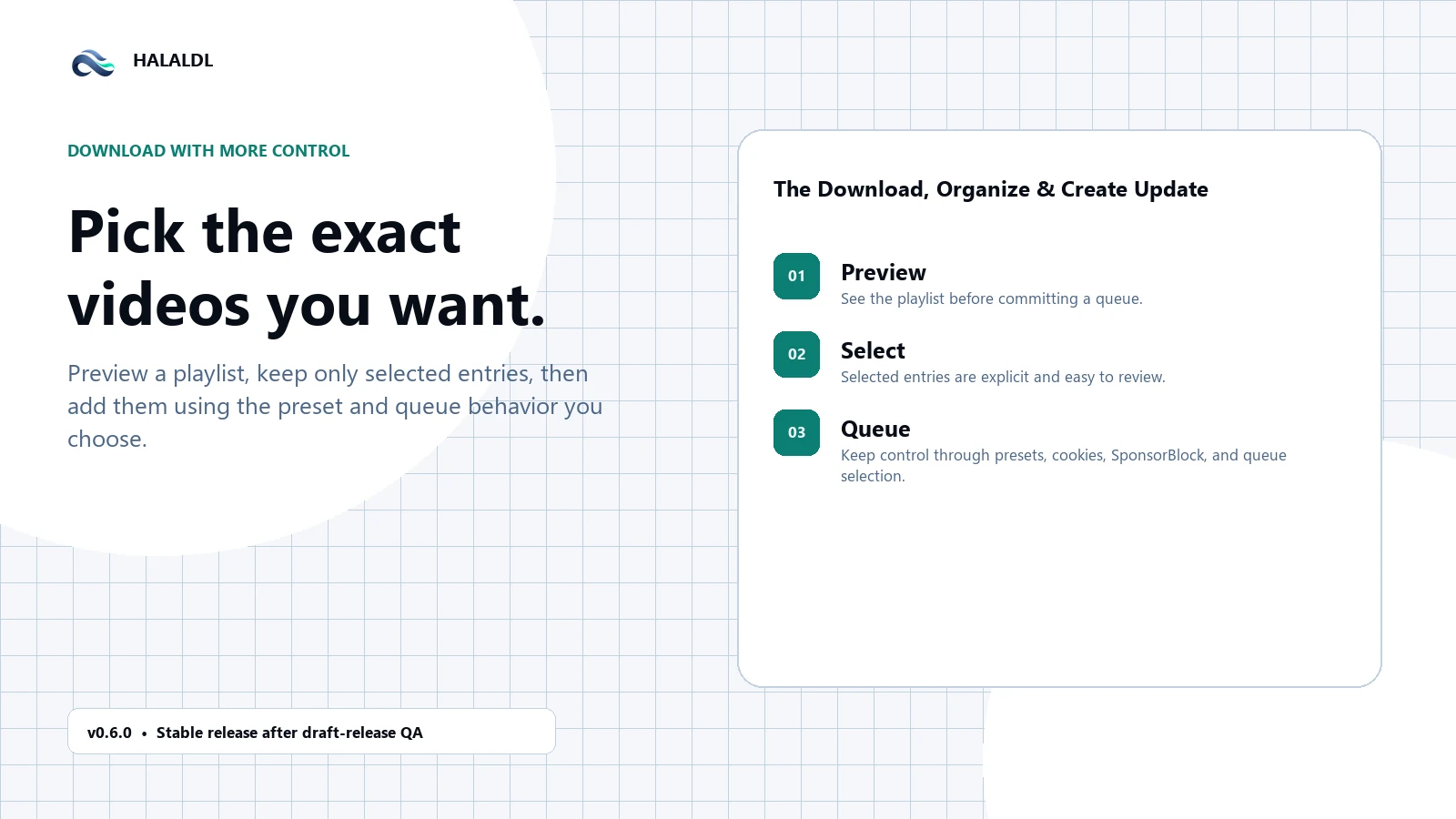
v0.6.0 previews supported links before the queue starts, so a playlist can be narrowed to the individual entries that belong in the download.
Download Doctor turns common failures into plain language, then offers recovery paths you can choose when you are ready to retry.
Library folders keep local media organized while editable YouTube follows let you check chosen sources on a schedule that you control.
Create a new clip from completed video or audio, use chapters to choose a range, and keep the original local file unchanged.
v0.6.0 improves the quick panel and clipboard flow while adding package-reliability and dependency updates behind the download experience.
HalalDL turns the local media workflow into three plain decisions: preview and select the source, choose the output, then recover, organize, or create from the files you keep.
Free & local. Your queue, presets, history, and logs stay on your machine.
Preview & select
Bring in a supported video, playlist, channel, or social-media link, then preview it before the queue begins. A playlist can be narrowed to the entries worth keeping.
Choose output
Start with a practical preset—Best Video, MP3 audio, subtitles, or a social-ready export—then choose the available quality and reuse that setup whenever it fits.
Finish locally
Download Doctor turns common failures into safe next steps. When a job is complete, Library and Follows keep it organized while Clip Maker turns local media into a new clip.
No account, no hosted media pipeline, and no telemetry in the core desktop workflow.
Raw logs and Download Doctor make failures understandable instead of hiding the tool output.
Library folders, editable follows, history, and presets turn one-off downloads into a repeatable local workflow.
Choose the lower-friction Full build or manage more of the yt-dlp, FFmpeg, and aria2 boundary yourself with Lite.
Full is the easy default. Lite keeps the engines explicit. Portable keeps the app, tools, and settings in one folder.
The recommended Windows path: less setup, fewer missing dependencies.
No install: keep the app, settings, and managed tools in one folder.
139.9 MB
Download PortableUse the official release, match its SHA256, then open the verified build. The order is simple on purpose.
A calm install path
Official release first. Check the checksum before opening it.
Start from the official release page, not a mirror or repost.
Compare the exact installer with the checksum file attached to that same release.
Once the source and digest line up, launch the build with confidence.
Public by default
Official source, releases, and issues in one place.
Inspect the source, not just the promise.
The repository, release assets, and issue history are public and connected from here.
The answers here should remove the practical uncertainty: install path, SmartScreen, telemetry, Windows support, and where updates really ship first.
No. HalalDL is a local desktop app. There is no account system, hosted sync, or desktop usage telemetry. The public website may use privacy-limited traffic analytics to understand page and download-option usage.
Use Full if you want the easiest install path. Use Lite if you prefer managing yt-dlp, ffmpeg, aria2, and optional runtime tools yourself.
Not in the current release path. The project is explicitly Windows-first right now, targeting Windows 10 and Windows 11 on x64 hardware.
Current installers are not code-signed yet. The safe path is to download only from GitHub Releases and verify SHA256 against the SHA256SUMS.txt file attached to the release.
GitHub Releases is the direct source for the latest build. WinGet is supported, but the catalog can lag behind the latest GitHub release.
The desktop app does not send usage telemetry. The public website may use privacy-limited traffic analytics, but custom events never include media URLs, filenames, download history, local paths, or clipboard content.
The Full build is designed to manage the main toolchain for most users. The Lite build is for people who prefer bringing their own yt-dlp, ffmpeg, aria2, and related tooling.
Because download tools fail in real ways. Keeping raw output visible makes the app easier to trust, debug, and support when site rules or extractor behavior change.
Yes. There is no app account, sign-in flow, or hosted dashboard involved in the normal desktop workflow.
Full aims to reduce setup work and is the recommended path for most users. Lite keeps the app leaner and expects you to manage the underlying tools yourself.
Not always. WinGet is convenient, but the authoritative and fastest path to the newest build is still GitHub Releases.
Download from GitHub Releases, open the attached SHA256SUMS.txt file, and verify SHA256 before proceeding if you want an extra integrity check.
Yes. The project is explicitly positioned as Windows-first today, targeting Windows 10 and Windows 11 x64 systems.
Use the GitHub issues flow for bugs and requests. That keeps the support path public, searchable, and tied to the actual release history.
Yes. The website changelog gives a high-level summary, and each entry can link back to the matching GitHub Release for the full raw notes and assets.
0.6.0 adds preview and individual playlist selection, Download Doctor recovery guidance, Library and editable Follows, Local Clip Maker, stronger tool detection, and clearer queue and clipboard flows.
No. Custom presets can include a filename template, and HalalDL makes extension handling safe when the template omits %(ext)s so downloaded files still keep a proper extension.
Both are Windows desktop installers for the same app. The practical difference is responsibility: Full is meant to manage more of the local tool setup, while Lite is for people who already manage yt-dlp, FFmpeg, aria2, and related tools themselves.
No. Support prompts for Star and Feedback only appear after three completed downloads, and you can dismiss them with Not now. There is no first-launch modal wall.
No. Clip mode depends on yt-dlp download-section behavior, so exact cut behavior can depend on the source, selected format, and available local tooling.
Yes. HalalDL 0.6.0 previews supported links and lets you select individual playlist entries before the queue starts, so a larger playlist does not need to become an all-or-nothing download.
Download Doctor explains common failures in plain language and offers safe next steps you can choose before retrying, such as checking cookies, changing format, or reviewing the local tool path.
Local Clip Maker creates a new clip from completed media already on your machine. You can use chapters to help choose the range while keeping the original file unchanged.
Latest public release is v0.6.1, published Sep 20, 2026. Public releases have been available since v0.1.0.