Latest release
v0.4.0
Published Apr 4, 2026
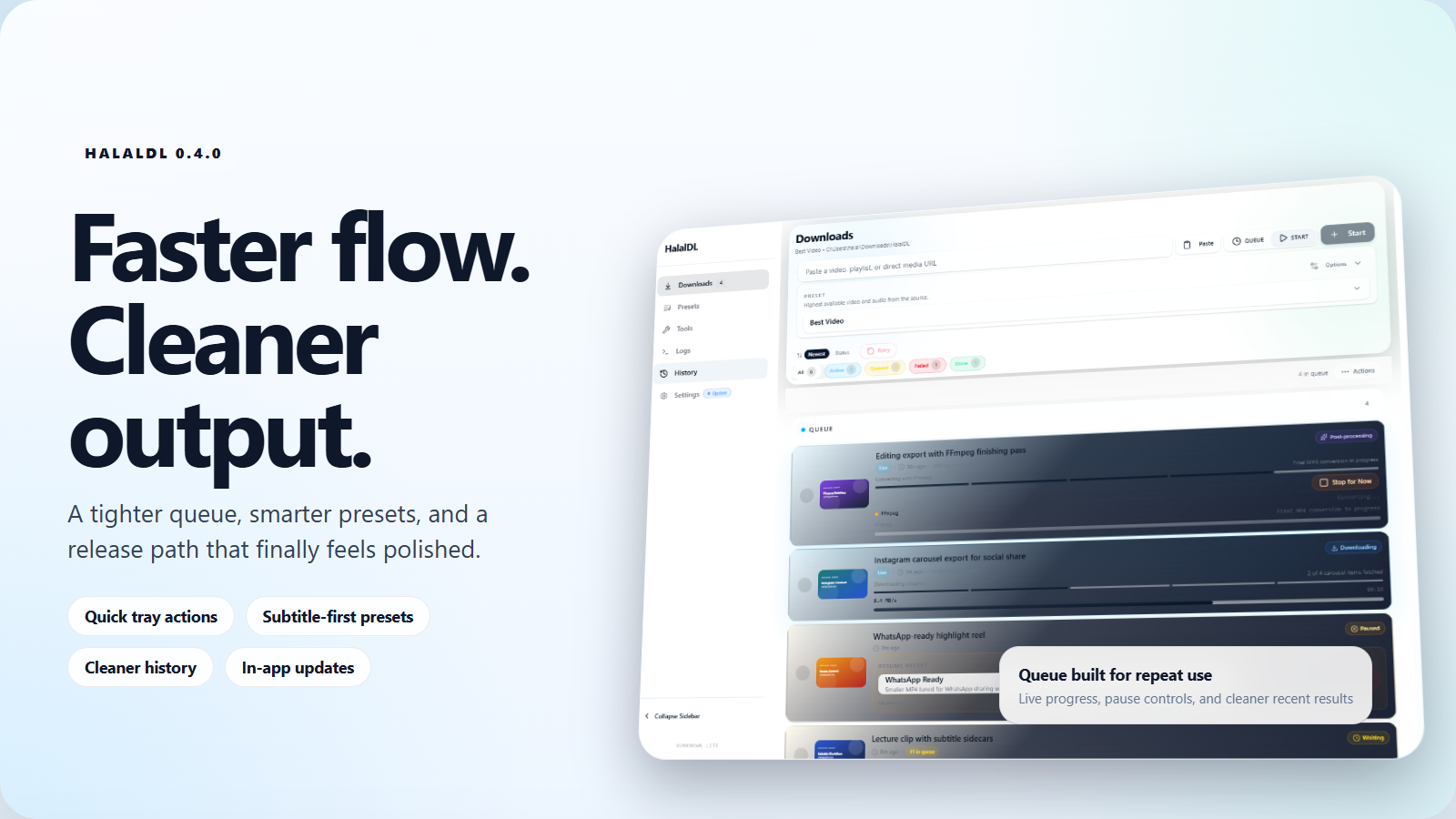
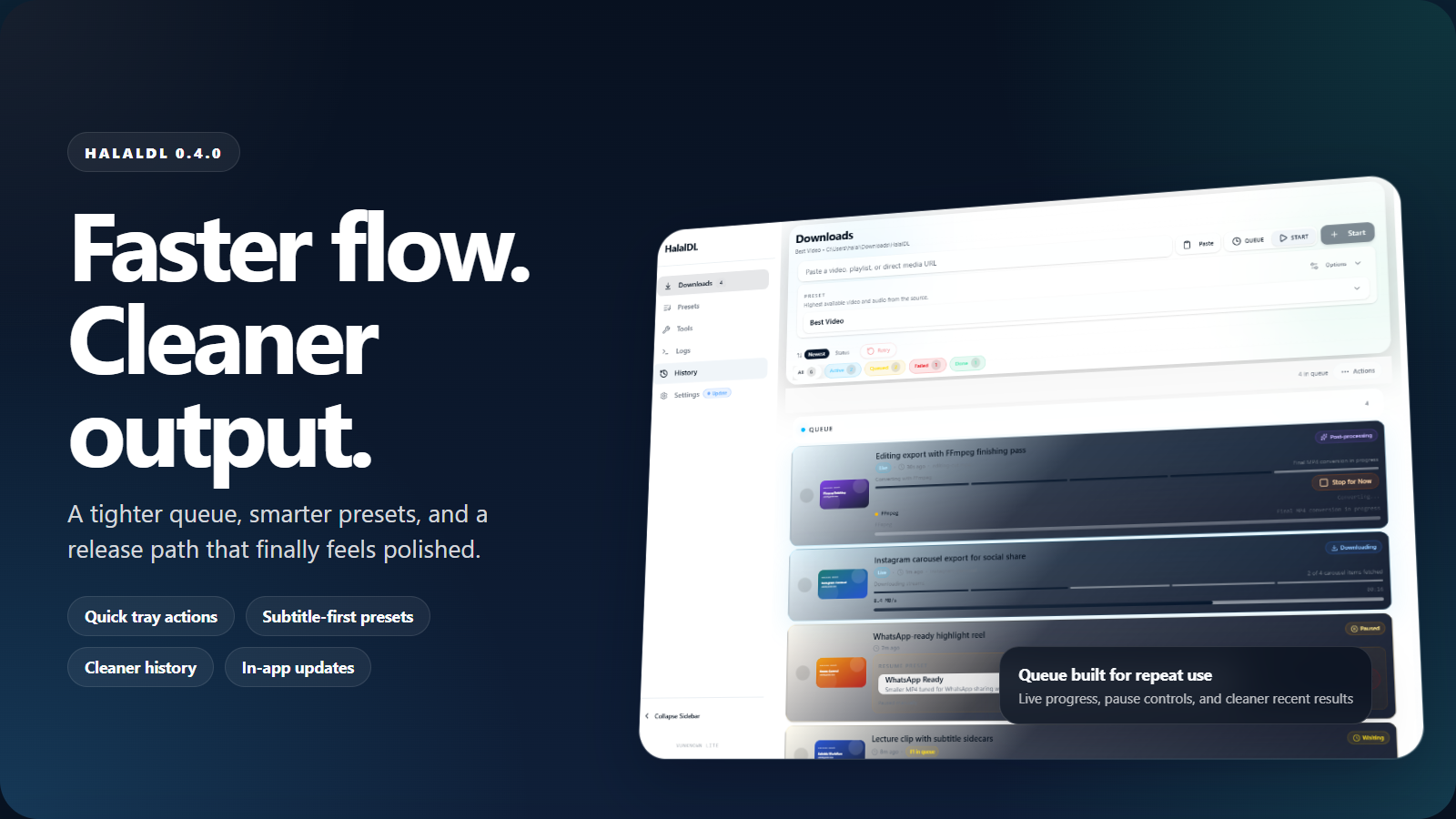
Quick tray flow instead of repeated shell work. Subtitle-aware presets, visible raw logs, and safer app-update checks. Download from GitHub Releases, then verify SHA256 if you want the extra trust step before first run.
Latest release
v0.4.0
Apr 4, 2026
Public GitHub releases
Open the release assets, then verify SHA256 before first run if you want the extra check.
Latest release
v0.4.0
Published Apr 4, 2026
Public since
v0.1.0
Jan 10, 2026
GitHub stars
3
Source, issues, and releases stay public
License
MIT License
MIT licensed with public GitHub releases
The goal is not to cosplay a terminal inside a card. The flow should feel guided enough for normal use, while keeping the underlying engine legible when you want to inspect it.
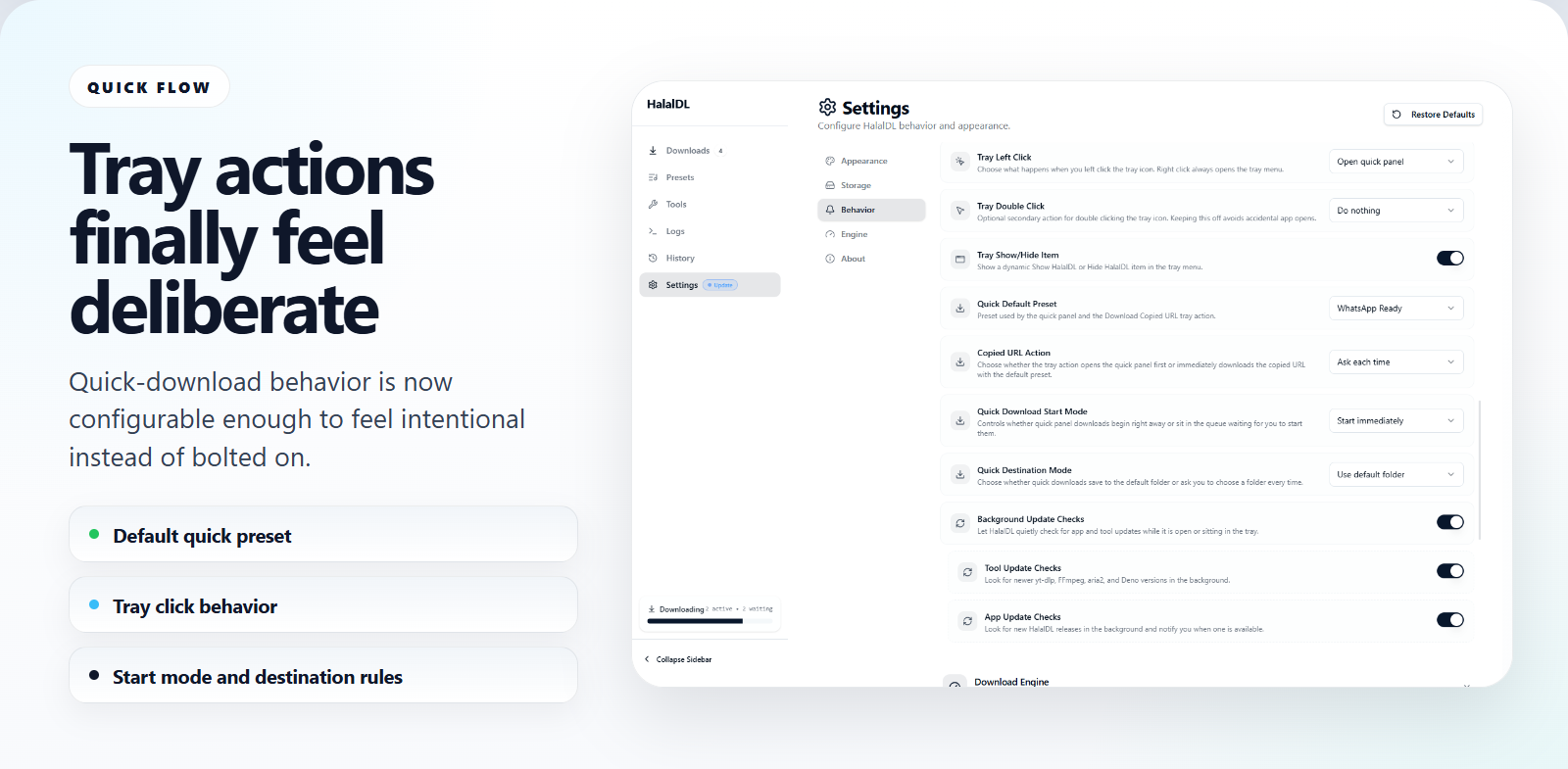
The point of the new quick flow is not just speed. It is that the fast path still keeps the URL, preset, and next action understandable instead of turning into a mysterious one-click shortcut.
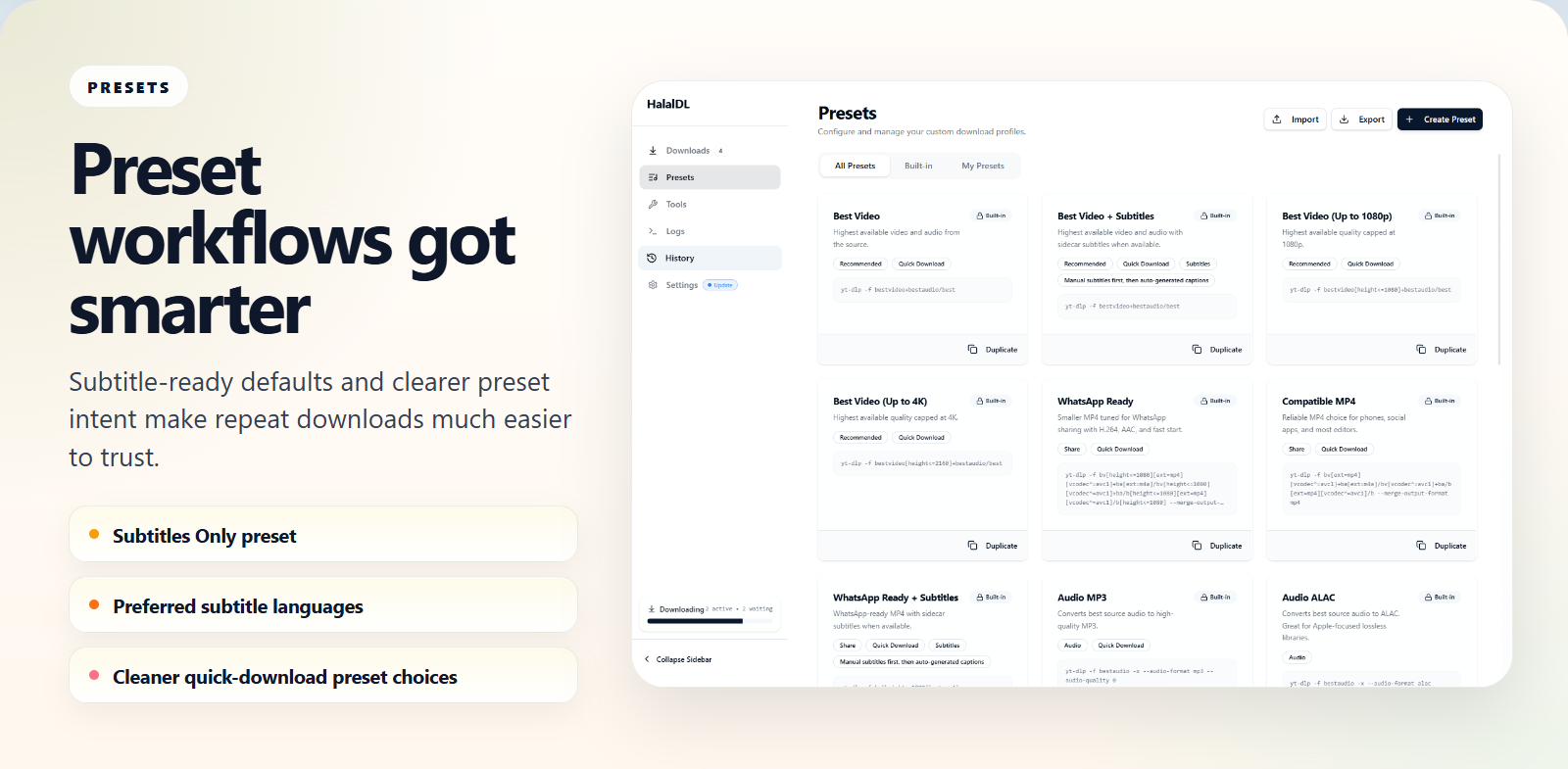
Preset-driven workflow matters more when the preset remembers the parts people redo every day. In 0.4.0 that now includes subtitle behavior, cleaner grouping, and a flow that reads better in both the full window and tray panel.
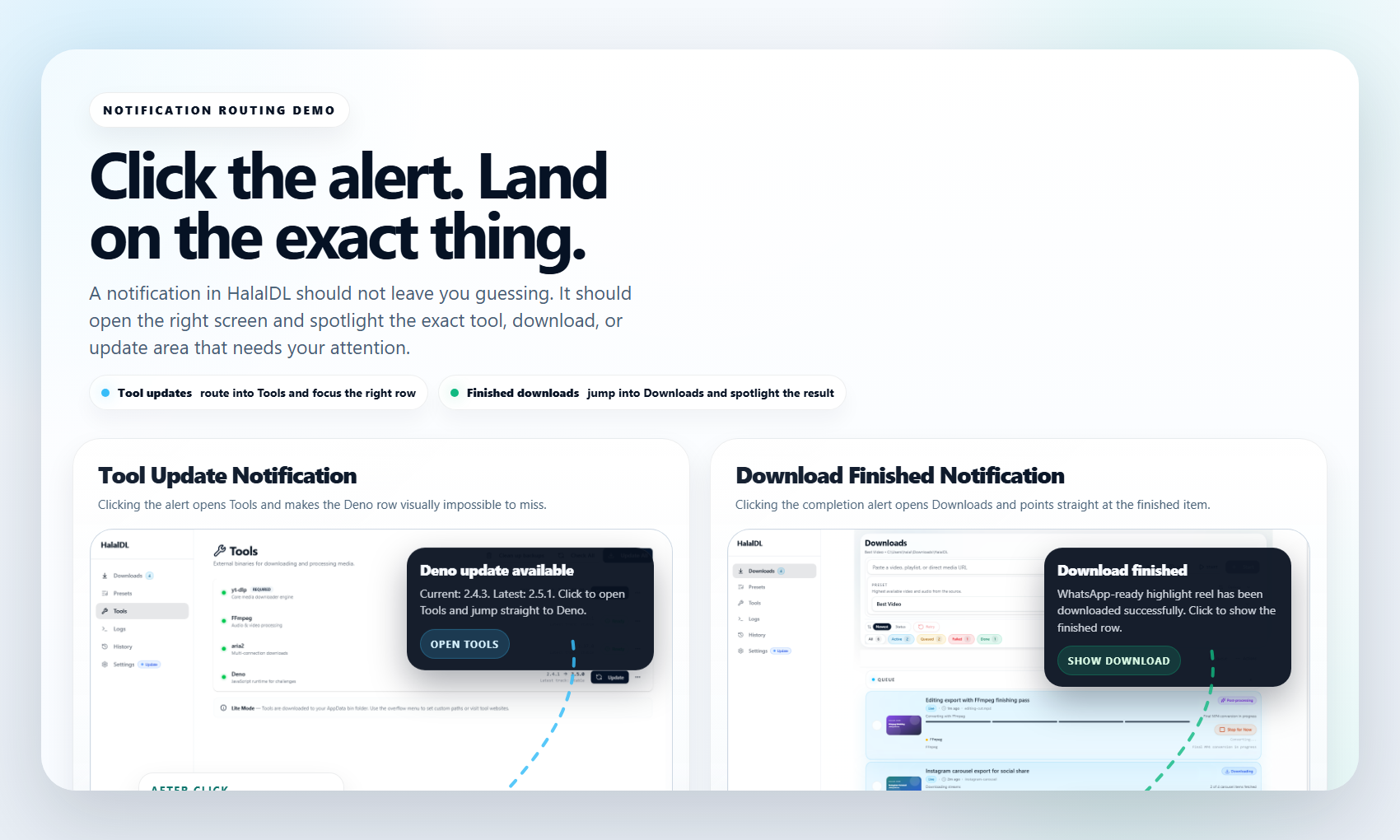
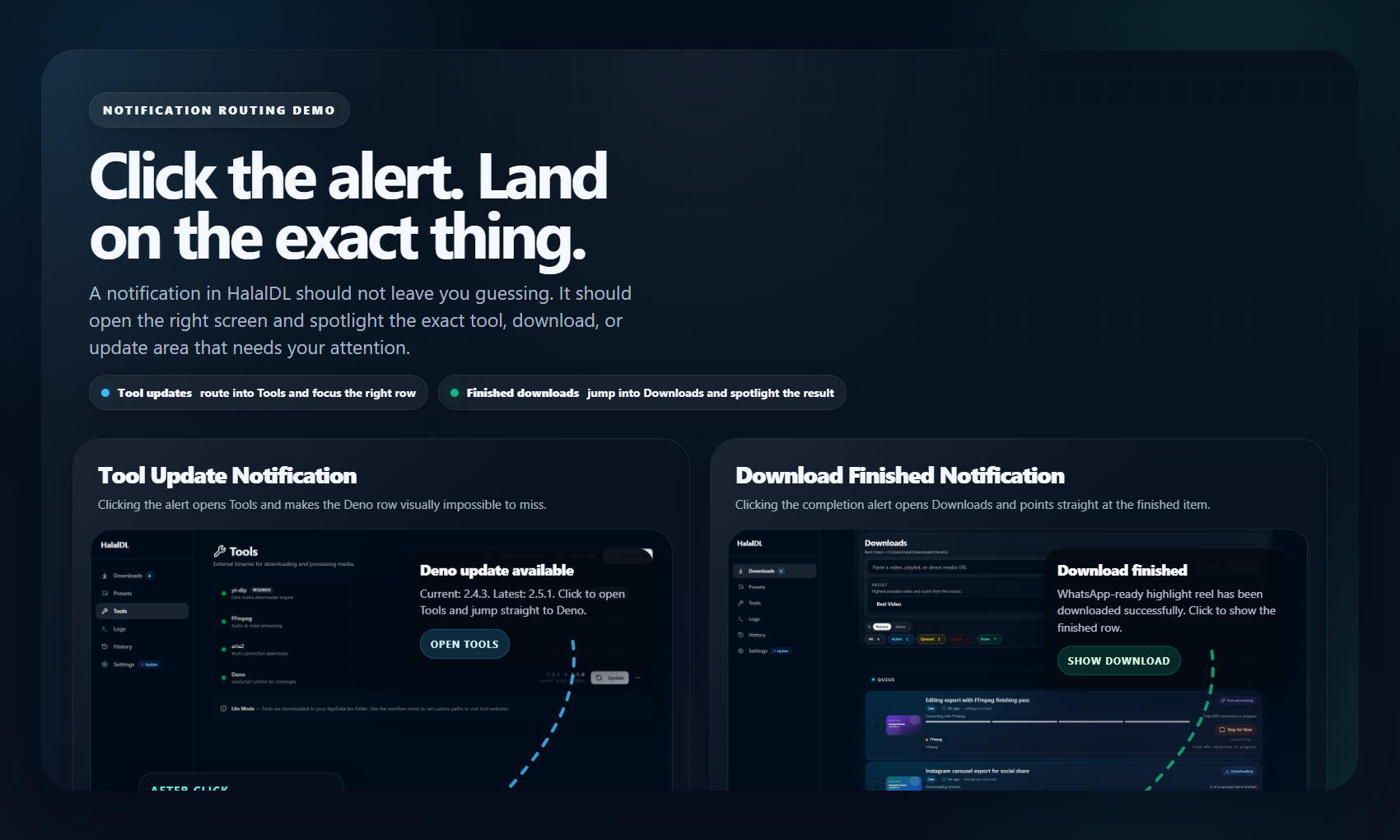
A desktop downloader becomes more trustworthy when the app can surface the right update package, route a notification to the right place, and still leave enough raw output and history behind to explain the result.
Repeat downloads get faster without collapsing into a black-box shortcut.
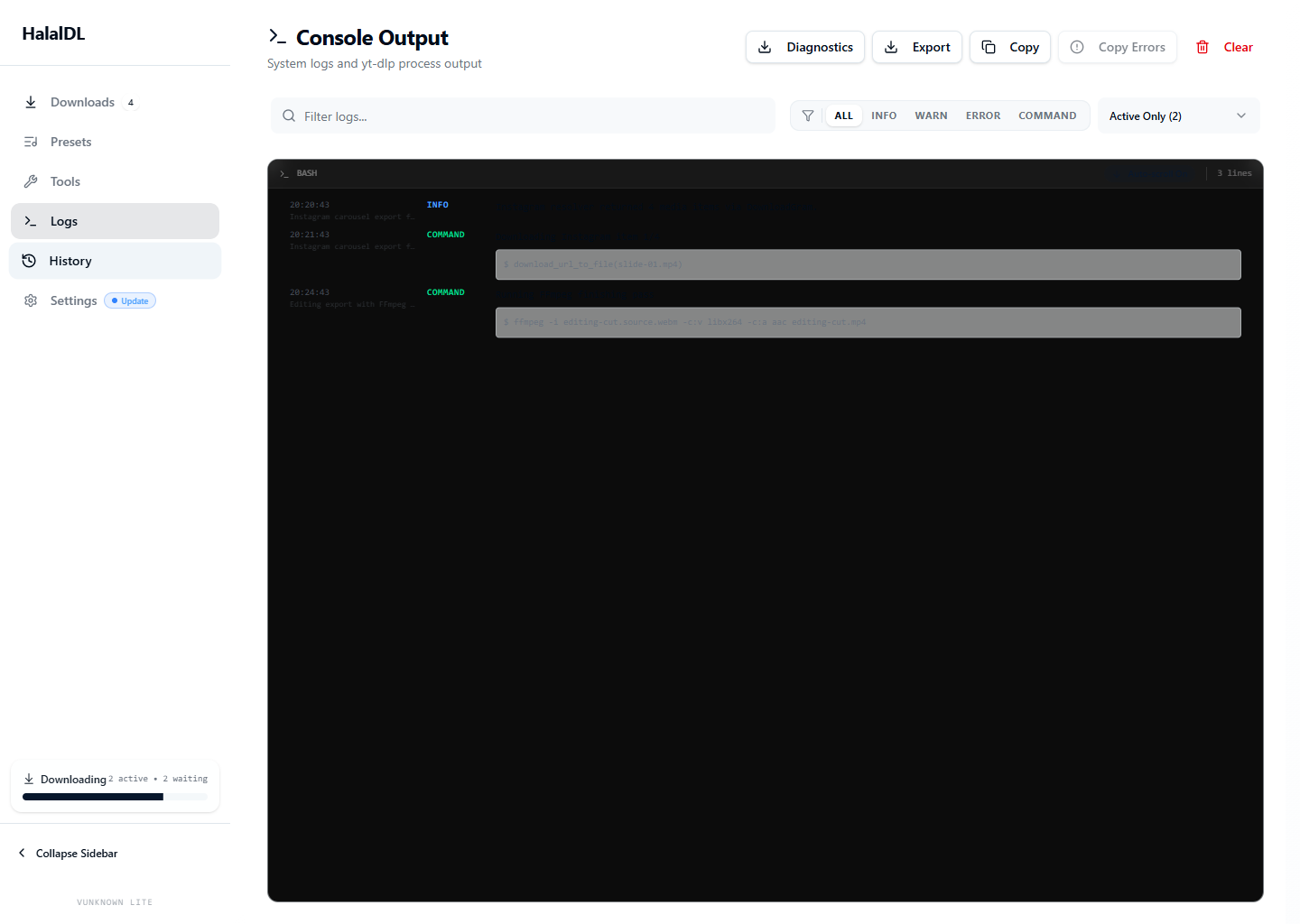
When extractors break, the app still tells you what actually happened.
Common video, audio, and subtitle targets become practical instead of repetitive.
App-update checks and package verification feel more deliberate in 0.4.0.
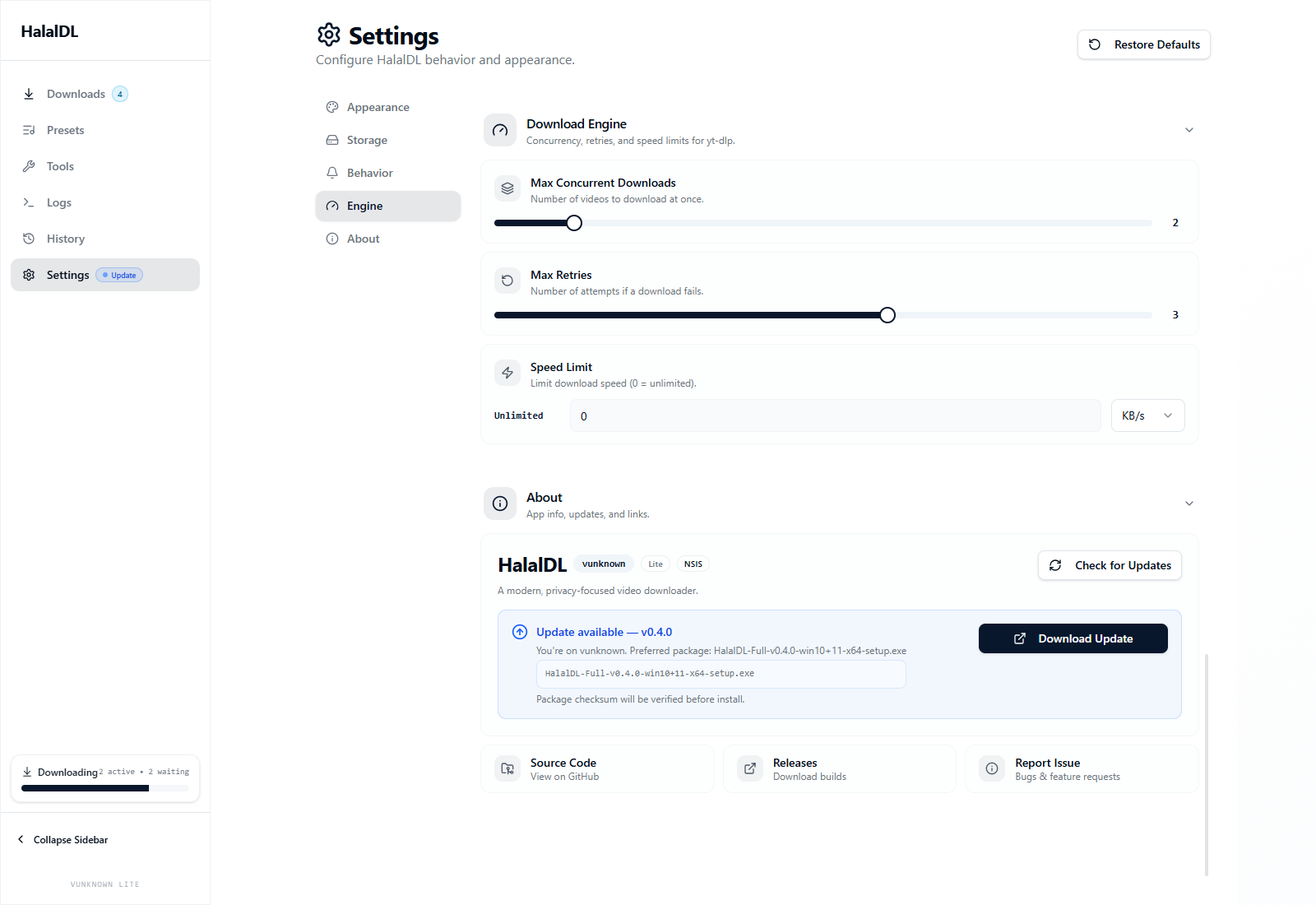
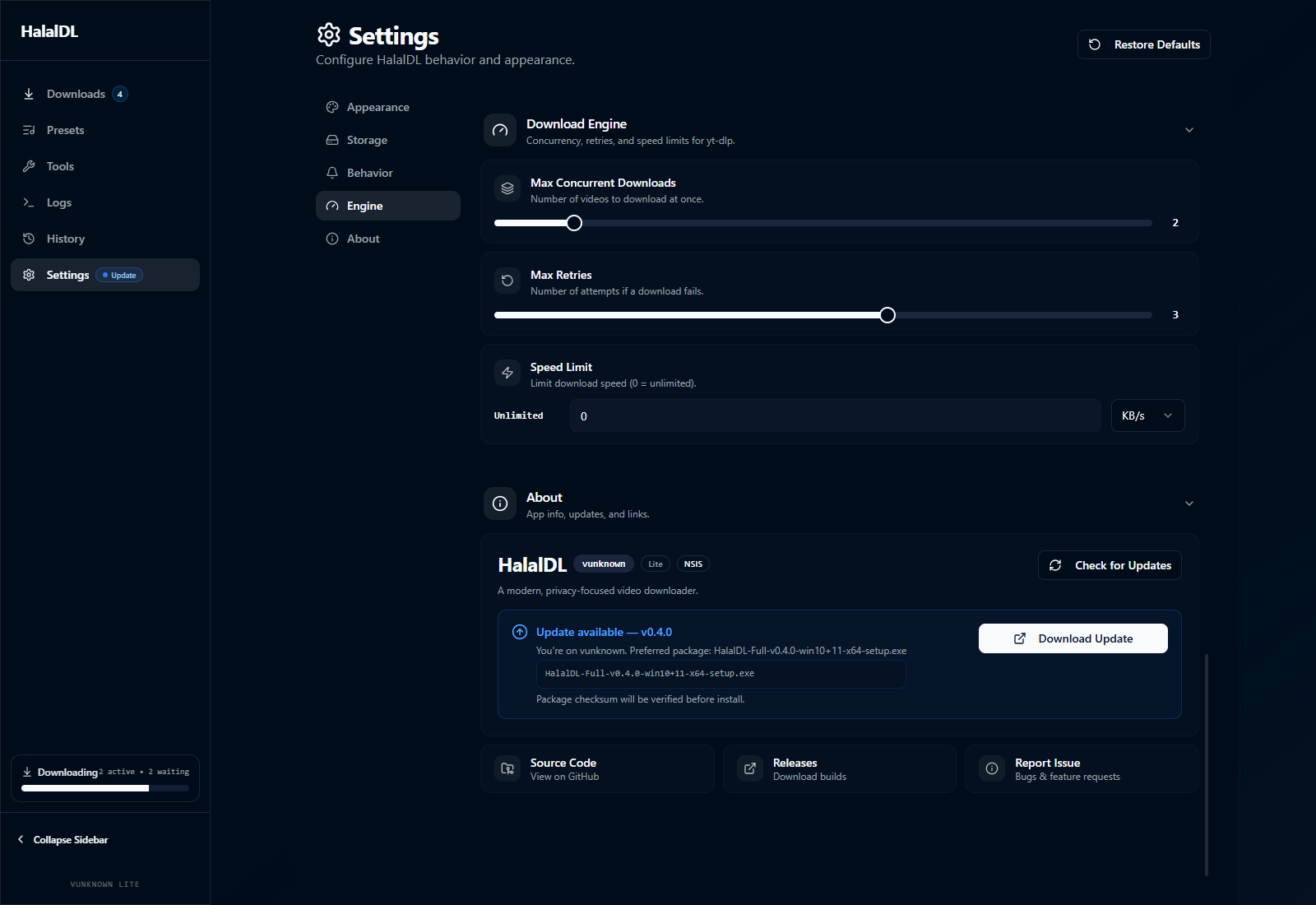
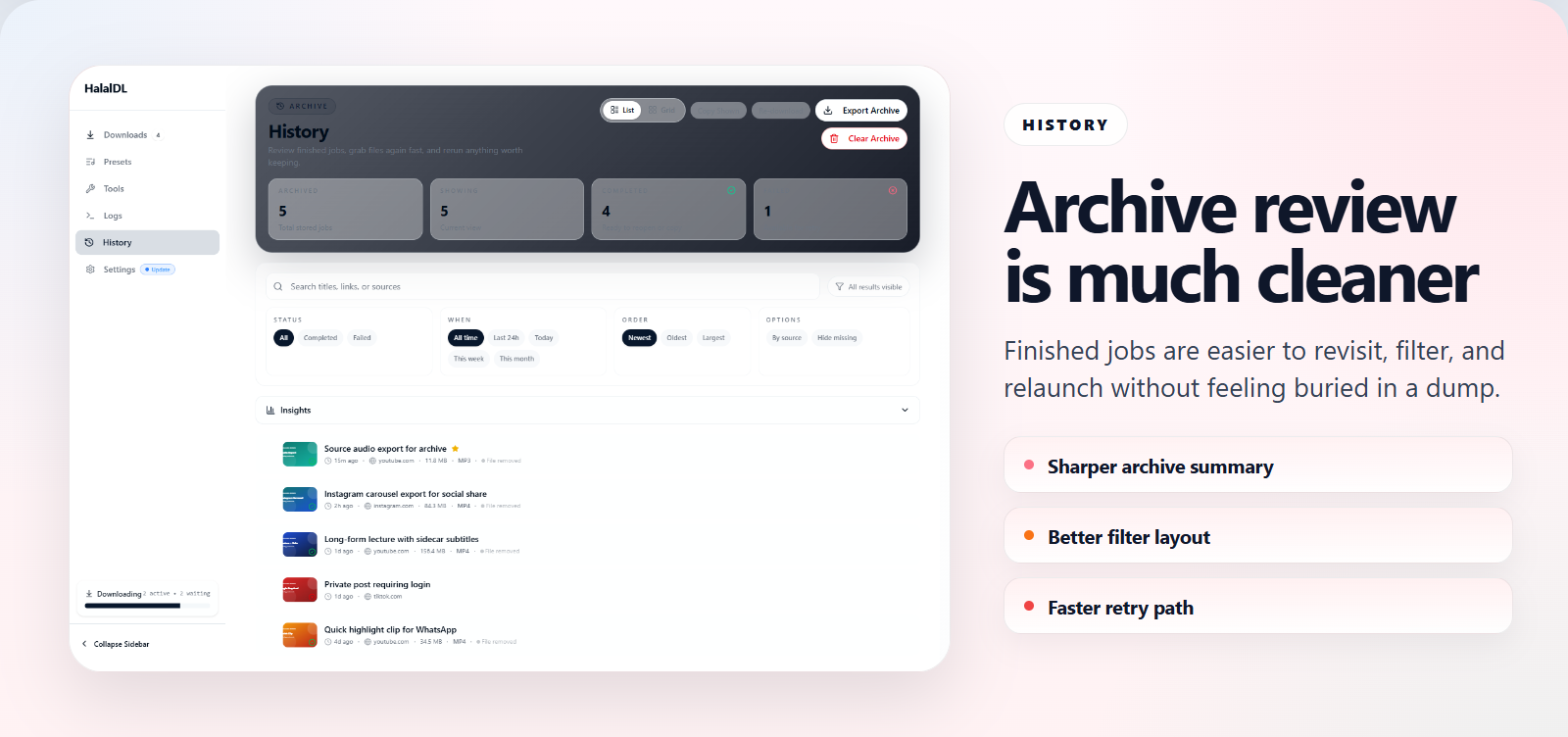
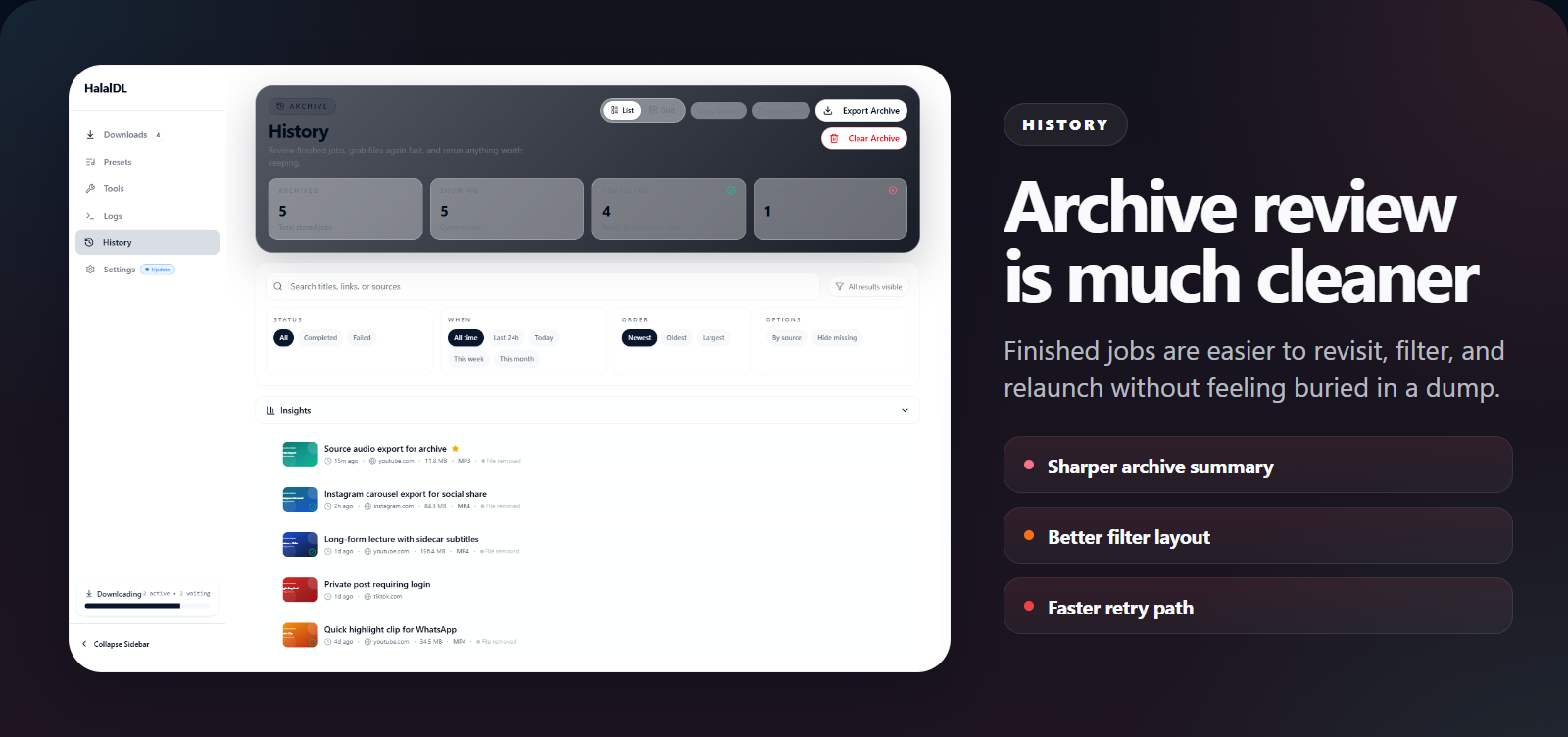
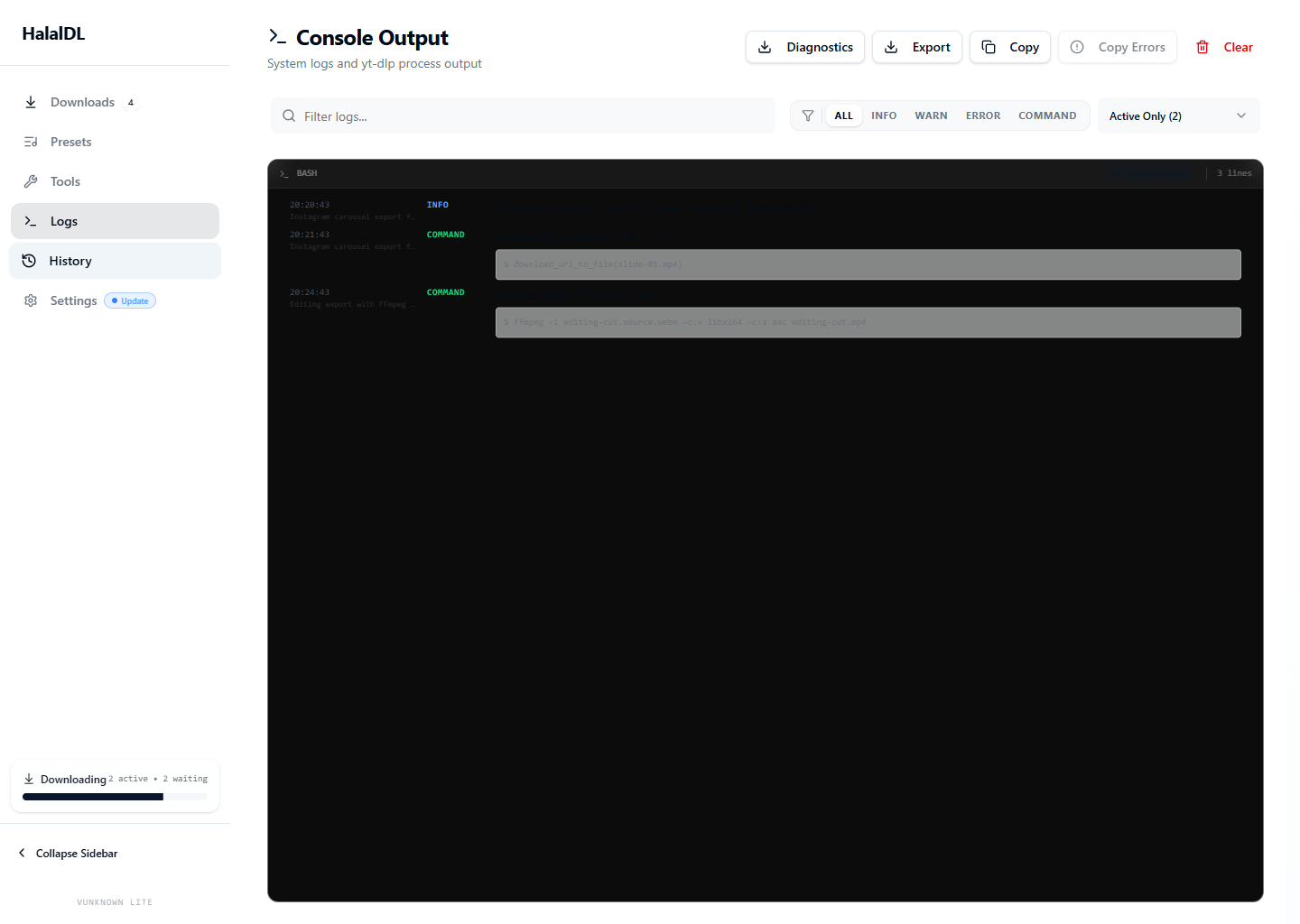
As you move through quick flow, subtitle presets, verified updates, notification routing, history, and logs, the screenshot panel should stay pinned, theme-correct, and visually stable instead of collapsing or drifting.
1 / 6
Active panel
Catch a copied link from the tray and launch a download fast.
HalalDL 0.4.0 adds a lighter repeat-download path. You can open the quick tray panel, pull in the copied link, choose a preset, and fire the job without walking the whole app every time.
Full is the default for most users. Lite is for people who want direct control over yt-dlp, ffmpeg, aria2, and optional runtime pieces. WinGet is convenient, but the download page is the better place to choose deliberately.
Best first install for most people. The app handles more of the setup path so you spend less time chasing binaries.
Better when you already manage your own yt-dlp, ffmpeg, aria2, or related tooling and want that boundary to stay explicit.
4.3 MB
Download LiteGood for convenience and easy updates. Just do not assume it is the fastest path to the newest release.
winget install --id Asdmir786.HalalDLUse this section for the practical check: release source, SHA256SUMS.txt, and SmartScreen context. It should read like a checklist, not a vague reassurance panel.
Download from GitHub Releases, verify SHA256, then decide how you want to handle the SmartScreen warning.
Download only from the GitHub Releases page.
Open SHA256SUMS.txt and verify the installer before first run.
If SmartScreen warns, verify source plus checksum before continuing.
Source, release history, and issue tracking stay tied to one public origin.
The answers here should remove the practical uncertainty: install path, SmartScreen, telemetry, Windows support, and where updates really ship first.
No. HalalDL is a local desktop app. There is no account system, no hosted sync, and no telemetry layer in the product pitch or current release path.
Use Full if you want the easiest install path. Use Lite if you prefer managing yt-dlp, ffmpeg, aria2, and optional runtime tools yourself.
Not in the current release path. The project is explicitly Windows-first right now, targeting Windows 10 and Windows 11 on x64 hardware.
Current installers are not code-signed yet. The safe path is to download only from GitHub Releases and verify SHA256 against the SHA256SUMS.txt file attached to the release.
GitHub Releases is the direct source for the latest build. WinGet is supported, but the catalog can lag behind the latest GitHub release.
No telemetry is part of the current product story or release path. The value proposition is explicitly local-first and account-free.
The Full build is designed to manage the main toolchain for most users. The Lite build is for people who prefer bringing their own yt-dlp, ffmpeg, aria2, and related tooling.
Because download tools fail in real ways. Keeping raw output visible makes the app easier to trust, debug, and support when site rules or extractor behavior change.
Yes. There is no app account, sign-in flow, or hosted dashboard involved in the normal desktop workflow.
Full aims to reduce setup work and is the recommended path for most users. Lite keeps the app leaner and expects you to manage the underlying tools yourself.
Not always. WinGet is convenient, but the authoritative and fastest path to the newest build is still GitHub Releases.
Download from GitHub Releases, open the attached SHA256SUMS.txt file, and verify SHA256 before proceeding if you want an extra integrity check.
Yes. The project is explicitly positioned as Windows-first today, targeting Windows 10 and Windows 11 x64 systems.
Use the GitHub issues flow for bugs and requests. That keeps the support path public, searchable, and tied to the actual release history.
Yes. The website changelog gives a high-level summary, and each entry can link back to the matching GitHub Release for the full raw notes and assets.
Latest public release is v0.4.0, published Apr 4, 2026. Public release history goes back to v0.1.0 on Jan 10, 2026.